Record video while you use your phone
Straight answers about filming yourself while you read, browse, watch or play on the same phone, on iPhone and Android.
-
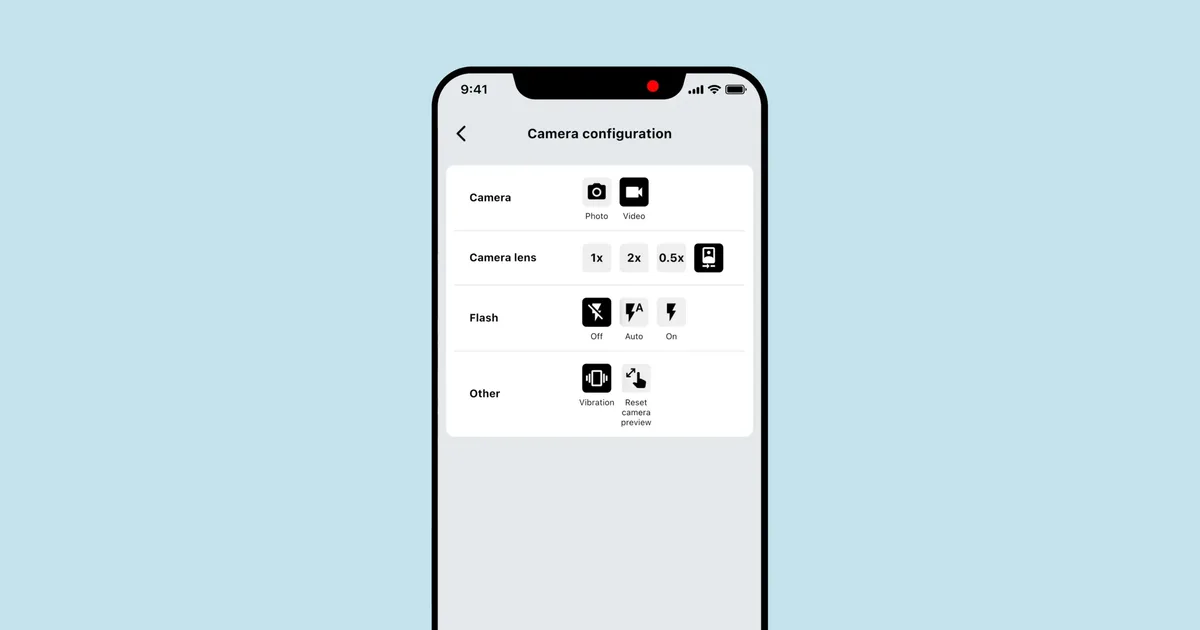 Comparison
Floating camera apps: what each one records
Apps called floating, background or face cam cameras do four different jobs. Before you pick one, decide whether you want a camera video, a screen recording with your face, a dark screen or a script on screen.
-
 Scripts and notes
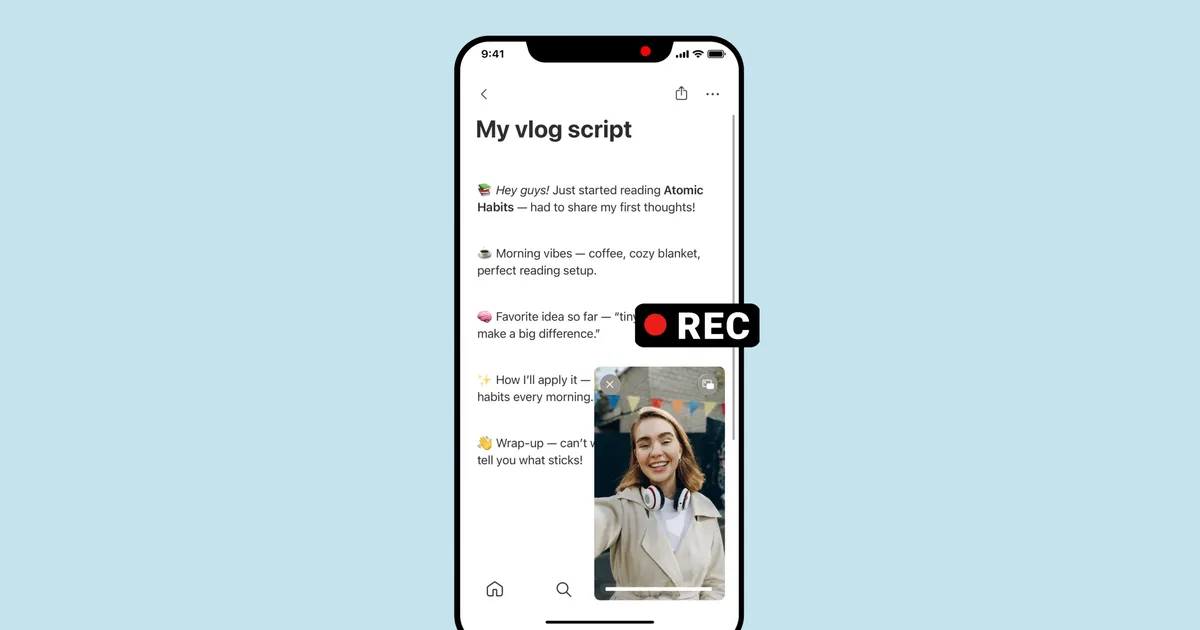
Read your script while you film yourself
Two things work on a single phone. A teleprompter app scrolls text you paste in over its own camera. A floating camera records you while your notes stay open in whatever app they're already in.
-
 Reaction videos
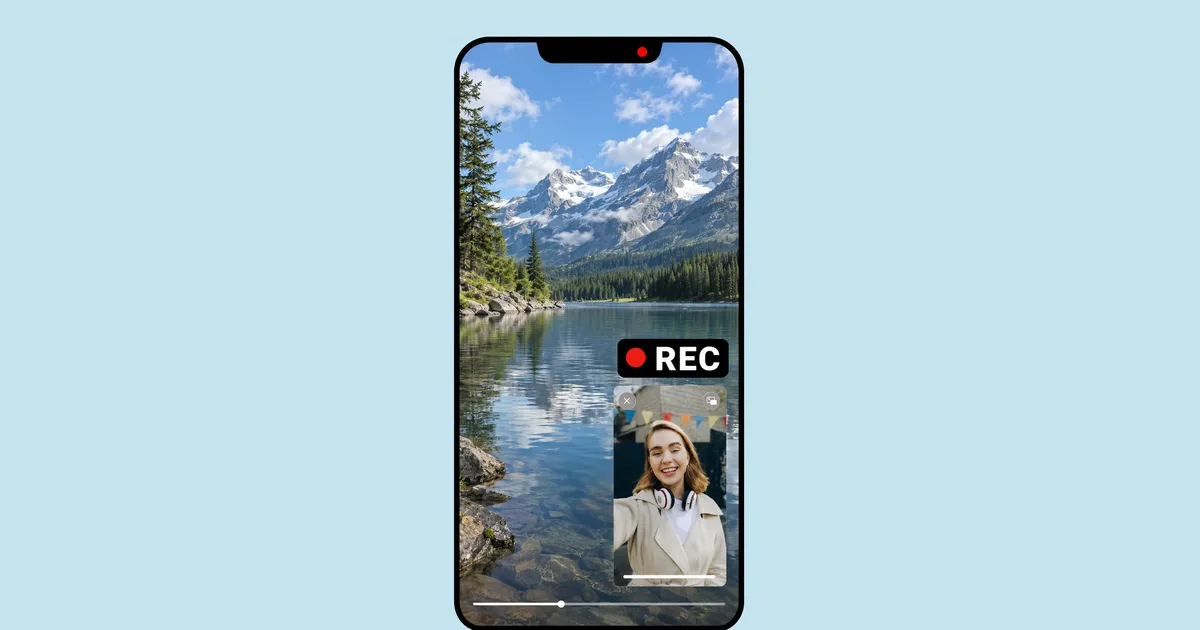
Record a reaction video on your phone
On one phone you have three options. Keep a floating camera over the video and combine the two afterwards, use the platform's own Duet or Stitch, or screen record with a face cam on top.
-
 Android
Record video while you use other apps on Android
The built-in camera stops when you leave it. A floating camera app draws a small camera window over every other app and keeps recording, as long as your phone maker lets apps use the camera in the background.
-
 iPhone
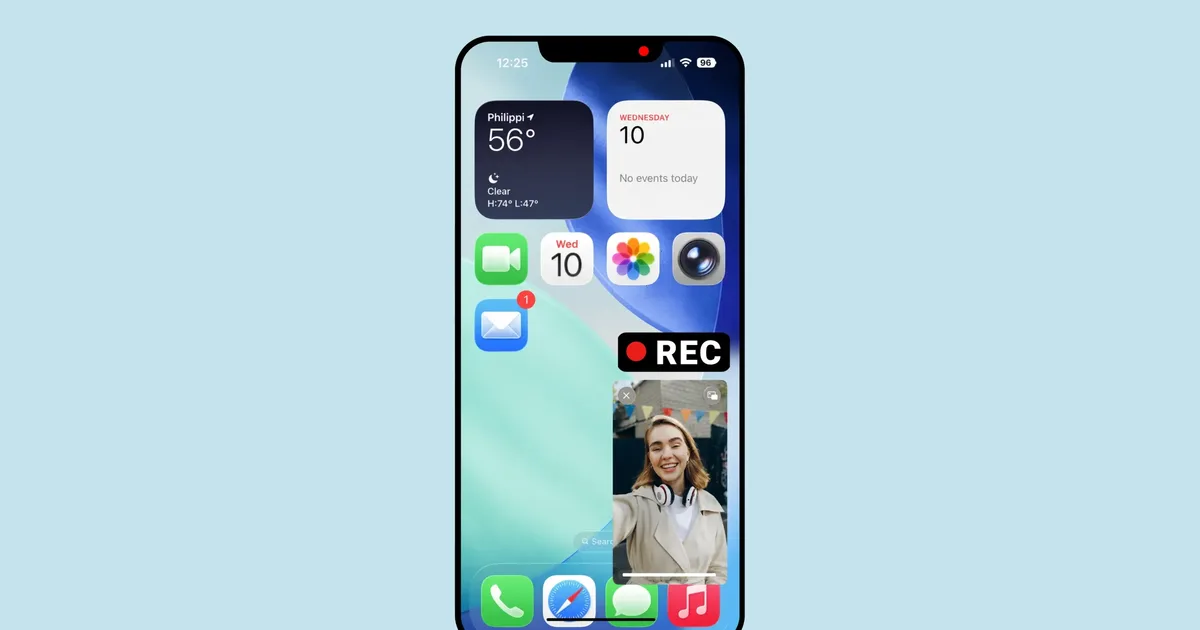
Record video while you use other apps on iPhone
The Camera app stops the moment you leave it. Since iOS 16, though, an app can keep the camera running in a floating Picture in Picture window, and Float Cam records from that window while you use any other app, on iOS 17 and later.
-
 iPhone
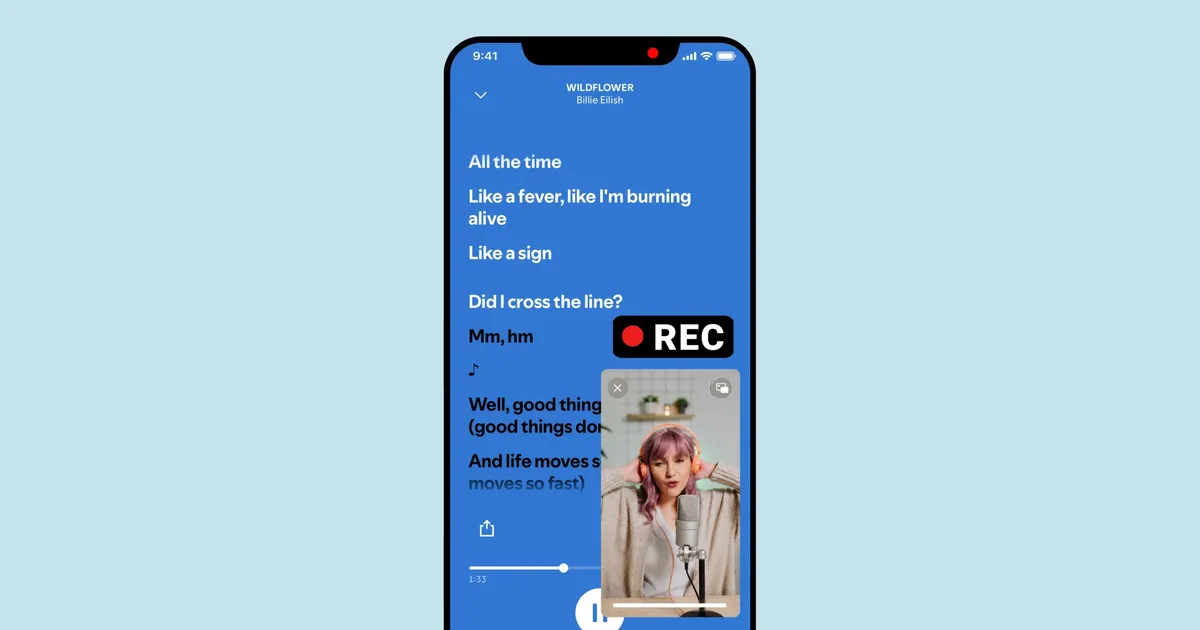
Screen record with your face cam on iPhone
Screen Recording doesn't use the camera, but it records everything on screen, including a floating camera window. Start Float Cam's window, then Screen Recording, and your face is in the video.
Keep filming while you use your phone
Float Cam keeps a floating camera window on screen and records while you do anything else. Free to download on iPhone, iPad and Android.