Record video while you use other apps on Android
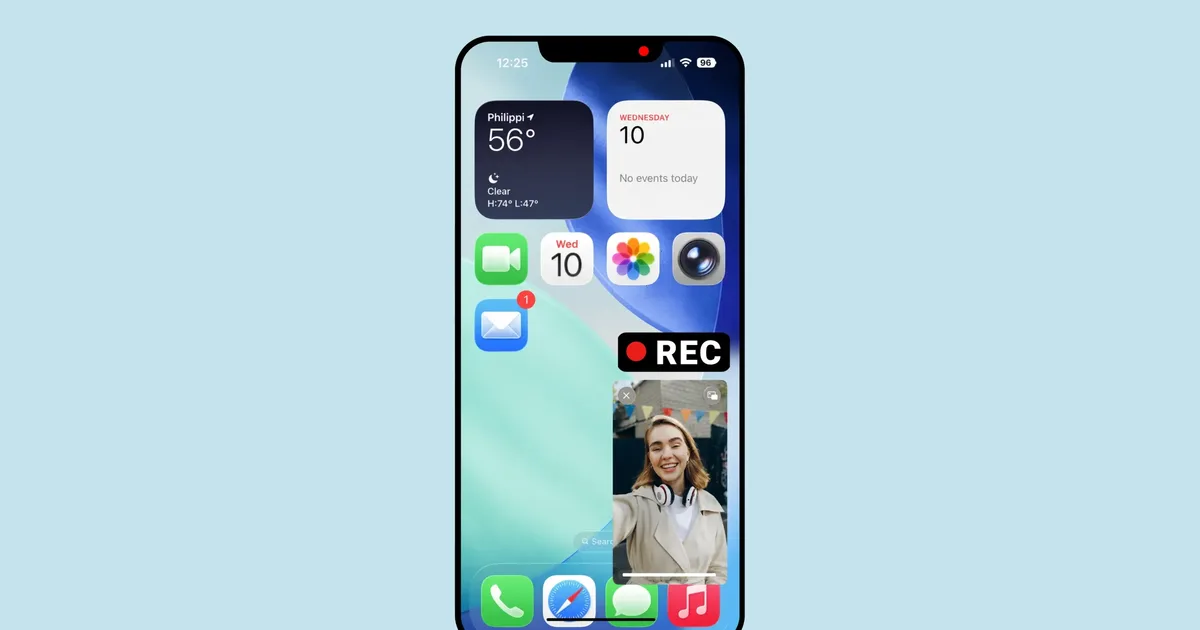
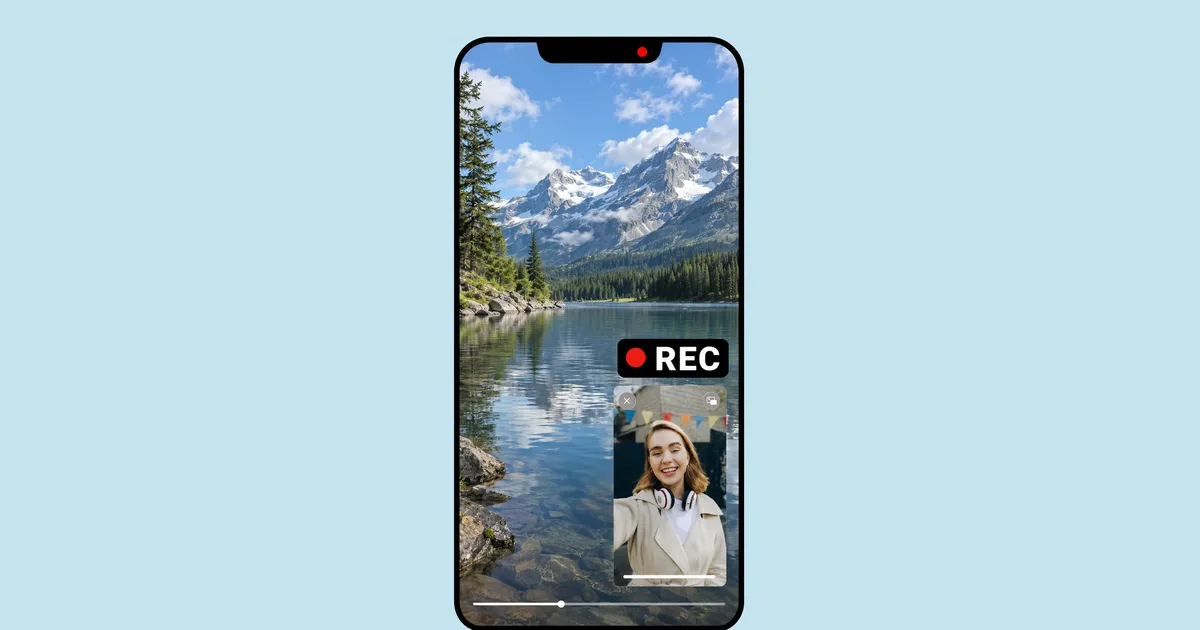
The built-in camera stops when you leave it. A floating camera app draws a small camera window over every other app and keeps recording, as long as your phone maker lets apps use the camera in the background.
 The Float Cam team · 1 min read
How to do it with Float Cam
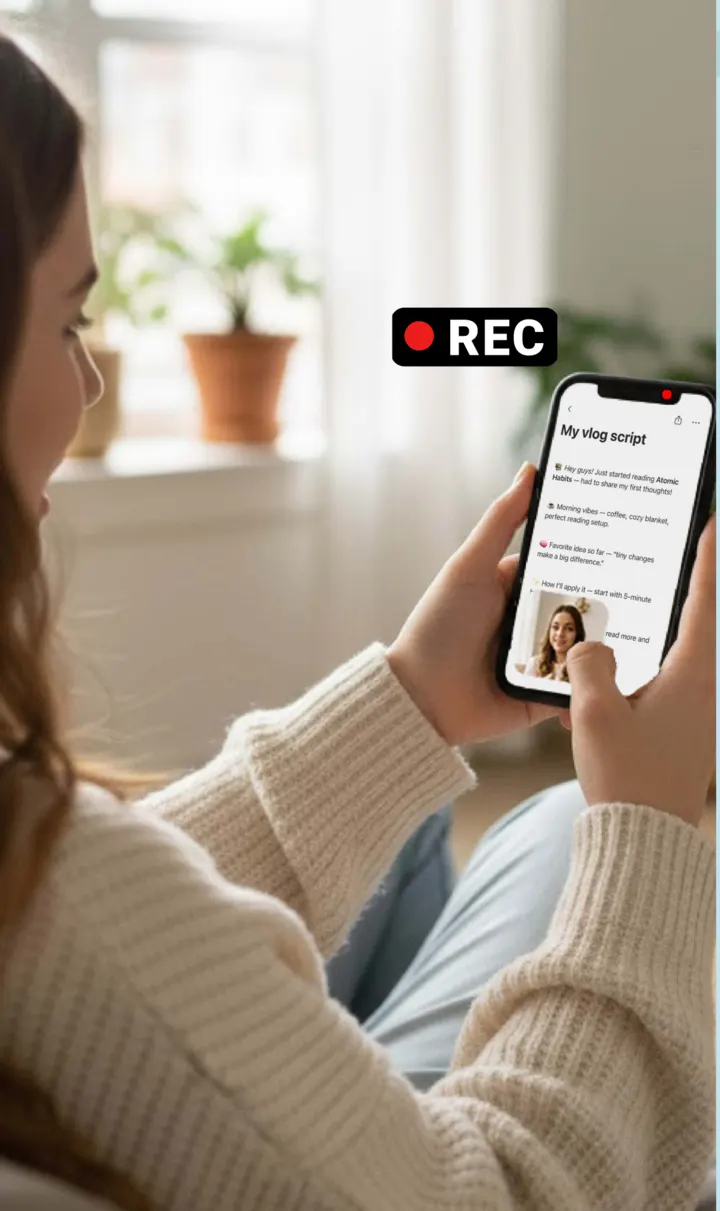
- Install Float Cam from Google Play and open it.
- Allow "Display over other apps" and the battery optimization exception when asked. Both are needed for the window to float and keep running.
- Open the floating camera and pick the front or back camera.
- Go to any app. The camera window stays on top; drag it where it doesn't cover what you need, and resize it.
- Tap the window to start and stop recording. Long-press it for camera settings.
Why some phones stop recording anyway
Android lets the phone maker decide how hard to cut back apps that run in the background, to save battery. On some phones the camera keeps going with Float Cam's window over other apps; on others the system ends the recording a moment after you leave. The battery optimization exception helps on many phones. Where it doesn't, Float Cam tells you, and you can use its built-in tools without leaving the app.
Recording without leaving the app
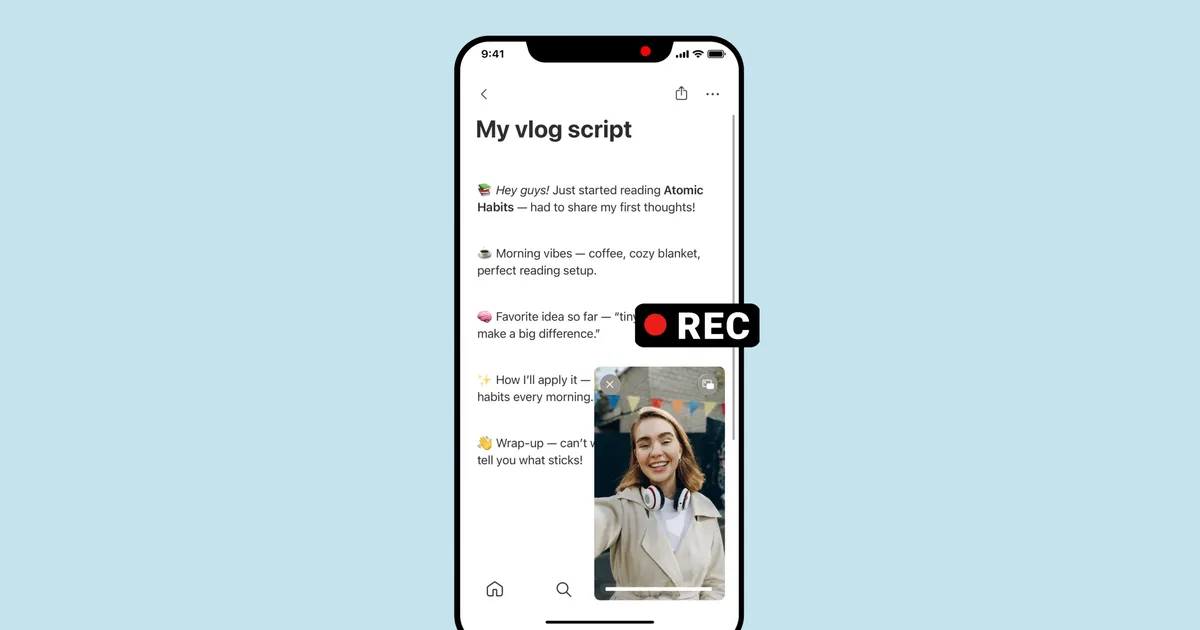
Float Cam's floating camera screen has its own web browser, notes, image viewer and PDF and Word reader. Open a website, your script, lyrics or a document right there, and the camera window floats over it while it records. This works on every Android phone, including ones that stop background apps, and covers most reasons people want another app open while filming.
The split screen option
Many Android phones can show two apps at once in split screen. If your camera app supports it, open the camera in one half and your notes or a video in the other, and record. The camera picture is smaller and cropped, and not every camera app allows split screen, so it depends on your phone and its camera app.
Questions people ask
How can I record video on Android while using other apps?
Use a floating camera app. Float Cam keeps a small camera window on top of other apps and records while you browse, read or watch. Allow "Display over other apps" and the battery exception when it asks. If your phone stops background apps, use Float Cam's built-in browser, notes and PDF viewer instead.
Why does my Android phone stop recording when I leave the camera app?
Camera apps release the camera when they leave the screen, and many phone makers also close background apps to save battery. A floating camera app keeps a visible window on screen, which lets it keep the camera on most phones, especially with battery optimization turned off for that app.
What is the best floating camera app for Android?
Pick by what you need saved. Float Cam records a normal camera video from a window that floats over other apps, with a built-in browser, notes and PDF viewer for phones that stop background apps. Camera overlay apps made for screen recording only show your face; the screen recorder saves the video.
Is Float Cam free on Android?
Float Cam is free to download from Google Play and free to record with, floating window included. A premium upgrade unlocks the full set of features, such as more zoom, extra lenses and the document viewer.
Keep filming while you use your phone
Float Cam keeps a floating camera window on screen and records while you do anything else. Free to download on iPhone, iPad and Android.