Read your script while you film yourself
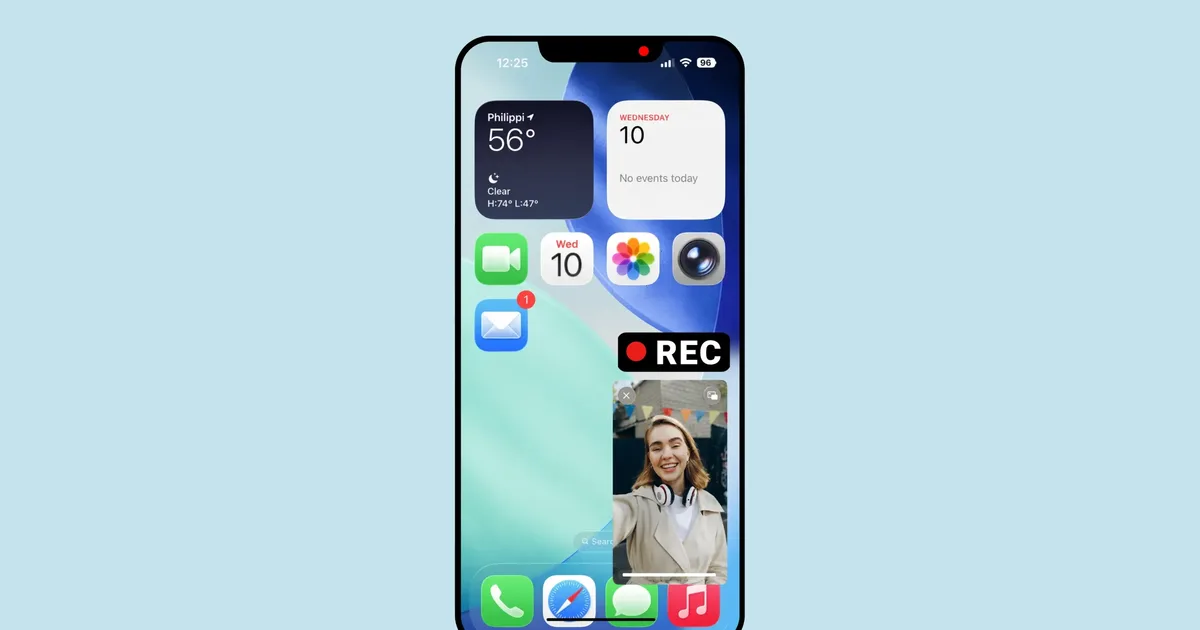
Two things work on a single phone. A teleprompter app scrolls text you paste in over its own camera. A floating camera records you while your notes stay open in whatever app they're already in.
 The Float Cam team · 2 min read
Two ways to see your words while you film
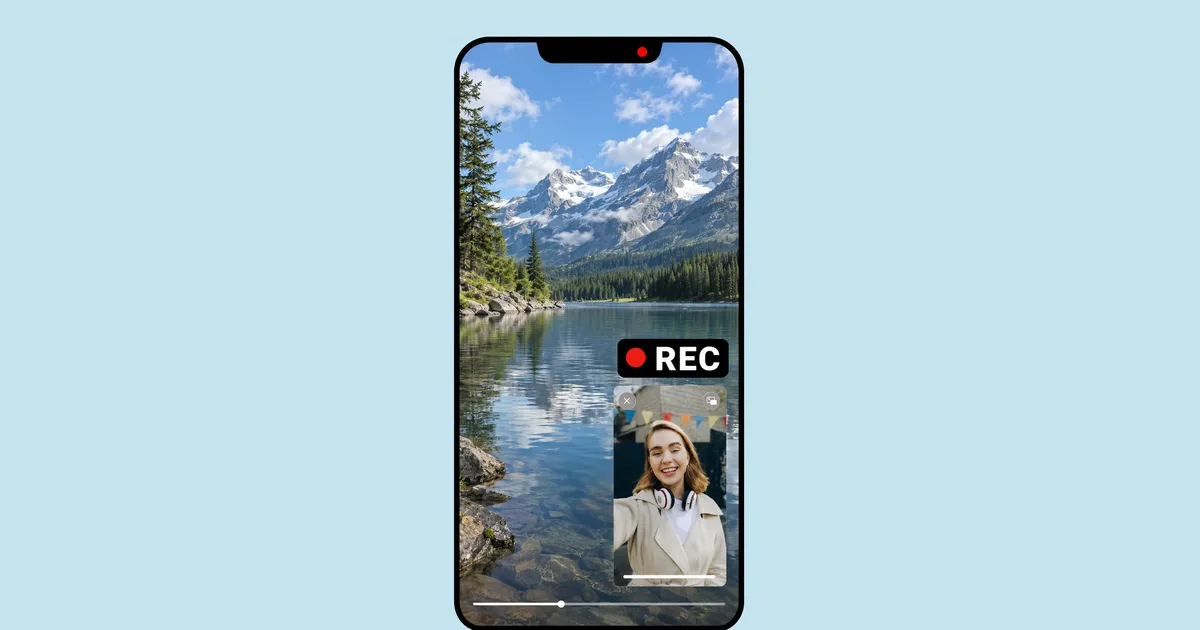
The Camera app fills the screen, so nothing else fits. You need an app that shows the camera and your text at the same time. Teleprompter apps put the text on top of their own camera view. A floating camera does the opposite: it puts a small camera window on top of the app with your text. Both record a normal camera video you can post anywhere.
When a teleprompter app is the better choice
Pick a teleprompter app, such as BIGVU, PromptSmart or Teleprompter for Video, when you have a finished script and want to read it exactly. The text scrolls by itself at a speed you set, sits right under the lens, and some apps follow your voice. The catch is that the script has to be pasted into the app first, and it only works inside that app's camera.
When a floating camera is the better choice
Pick a floating camera when your material already lives somewhere else: bullet points in Notes, a Google Doc, a PDF, the lyrics on a website, your slides, a recipe or the product page you're reviewing. Nothing needs copying. You scroll at your own pace, which suits talking from points rather than reading word for word. You can also switch between apps while the camera keeps recording.
How to do it with Float Cam
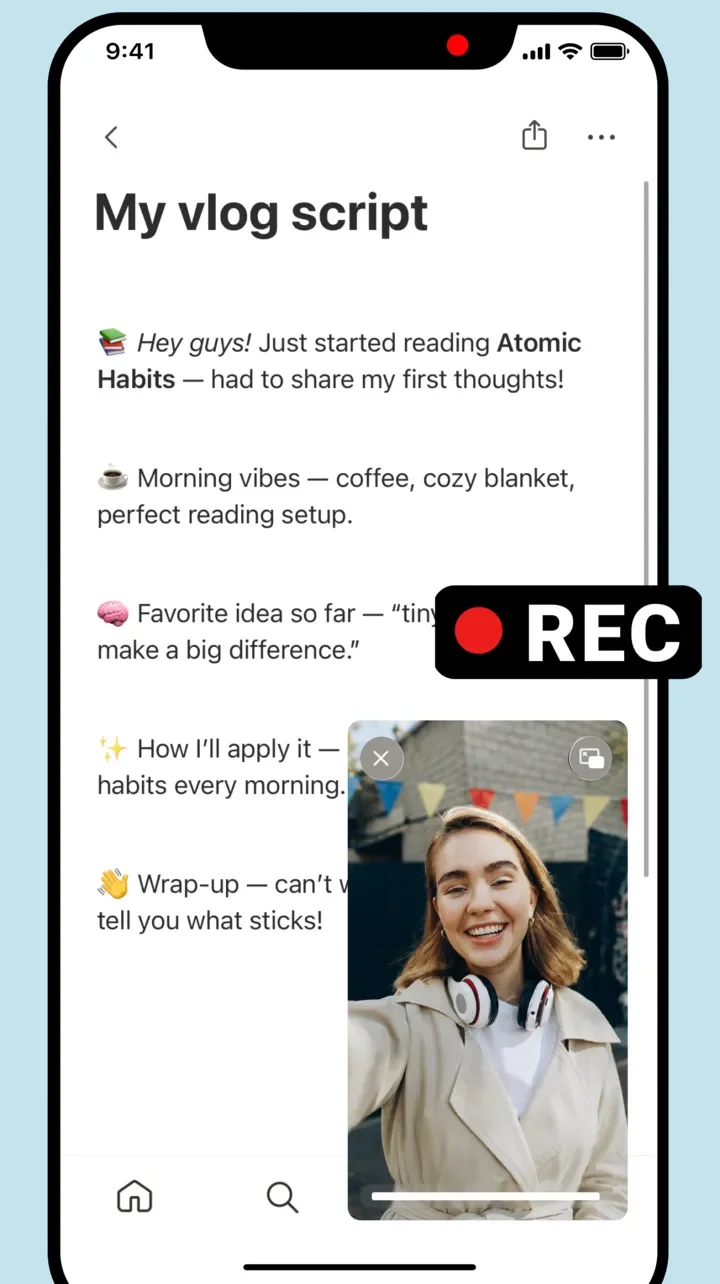
- Open your notes, document or lyrics in the app they are in.
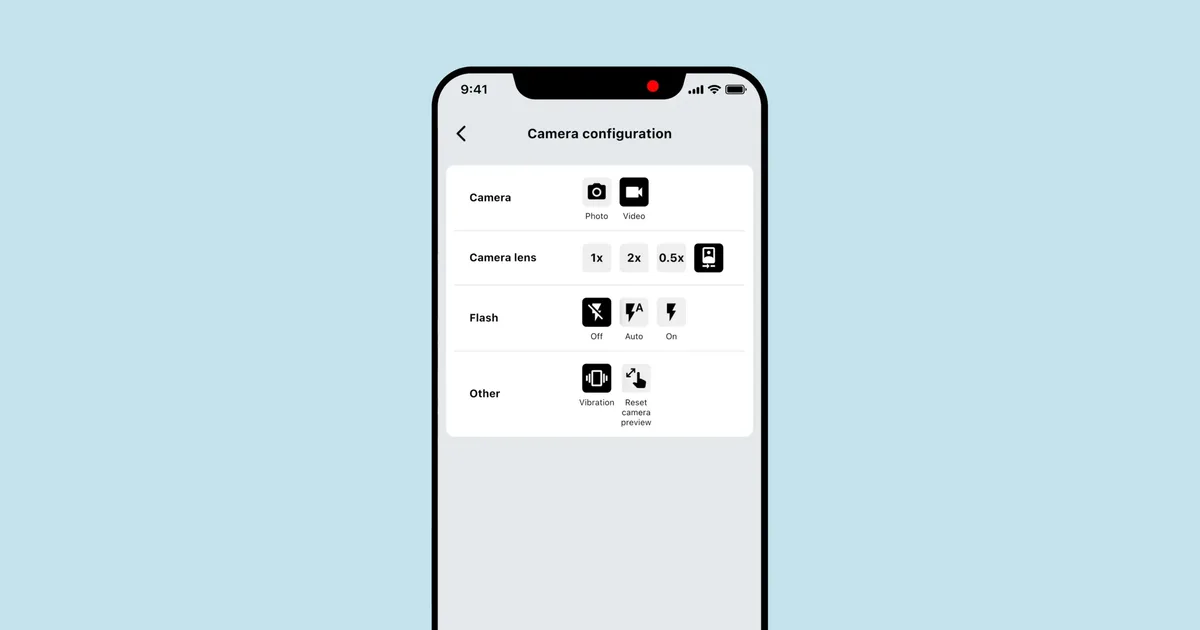
- Open Float Cam, choose the front camera and open the floating camera window.
- Switch back to your notes. On iPhone the camera floats on top of them.
- Drag the window to a corner where it doesn't cover your text, and pinch it smaller.
- Tap play in the window to record and pause to stop. The video is saved to Photos.
On Android, use Float Cam's own notes, browser or PDF viewer if your phone stops apps in the background.
Tips so you don't look like you're reading
- Put the text at the top of the screen, just below the front camera.
- Make the text bigger and hold the phone at arm's length, so your eyes move less.
- Write bullet points, not full sentences, and speak to them in your own words.
- Look into the lens at the start and end of each sentence.
Questions people ask
How do YouTubers read a script while filming on their phone?
Most use a teleprompter app that scrolls the script under the front camera, or keep bullet points in a note and glance at them. To keep notes from another app on screen while filming, use a floating camera like Float Cam, which records in a small window over your notes, document or browser.
Can I see my notes while recording video on iPhone?
Not in the Camera app, which fills the screen and stops when you leave it. A teleprompter app shows pasted text over its own camera. Float Cam keeps a camera window floating over the Notes app or any other app and keeps recording, on iOS 17 and later. The video is saved to Photos.
How do I record myself singing while reading the lyrics on my phone?
Open the lyrics in your browser or music app, then start Float Cam's floating camera and place the small window in a corner. It records you while the lyrics stay readable. To hear the backing track in the recording, play it out loud from the speaker; the microphone picks it up.
Do I need a teleprompter app to read a script while filming?
No. A teleprompter app helps when you read a long script word for word, because it scrolls for you. For notes, bullet points, slides or lyrics you already have in another app, a floating camera is simpler: nothing to copy, and you scroll at your own pace.
Keep filming while you use your phone
Float Cam keeps a floating camera window on screen and records while you do anything else. Free to download on iPhone, iPad and Android.