Floating camera apps: what each one records
Apps called floating, background or face cam cameras do four different jobs. Before you pick one, decide whether you want a camera video, a screen recording with your face, a dark screen or a script on screen.
 The Float Cam team · 2 min read
Side by side
| Kind | Examples | Saves a camera video | Works over other apps | Saves your screen |
|---|---|---|---|---|
| Floating camera recorder | Float Cam | Yes | Yes (iPhone: iOS 17+) | No |
| Camera overlay | FaceScreen, PIPCam | No | Yes | With the phone's Screen Recording |
| Face cam screen recorder | Reel, HD Face Cam Screen Recorder | Inside the screen video | Yes, depending on the app and iOS version | Yes |
| Black-screen camera | BlackOut | Yes | No, you stay in the app | No |
| Teleprompter | BIGVU, PromptSmart, Teleprompter for Video | Yes | No, the script is inside the app | No |
Floating camera recorders
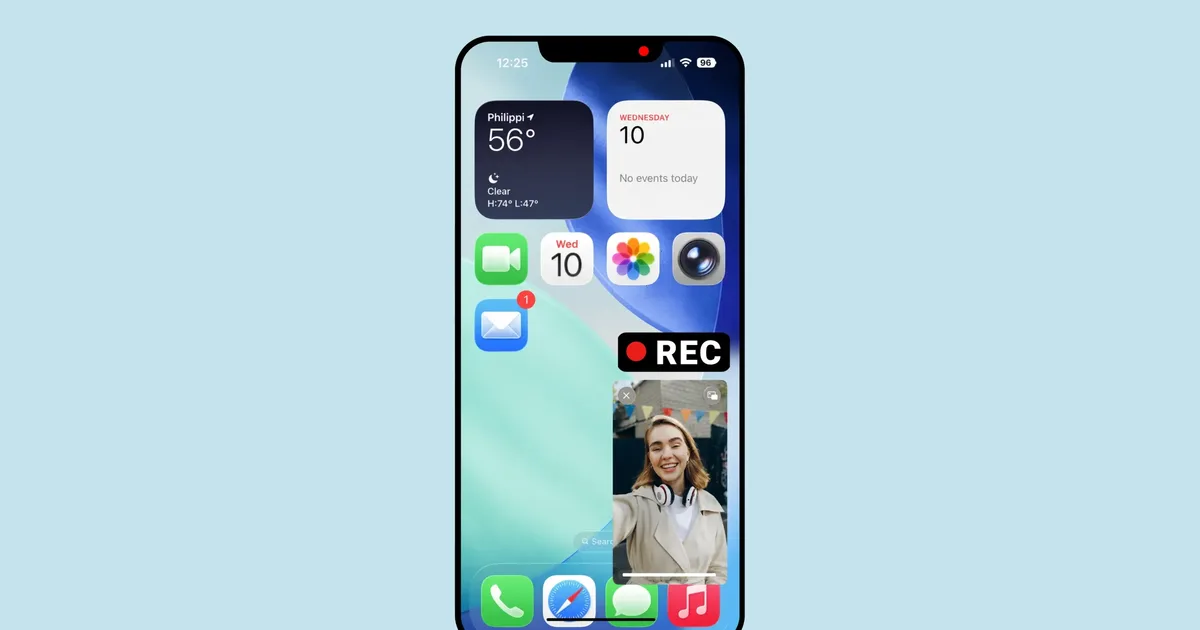
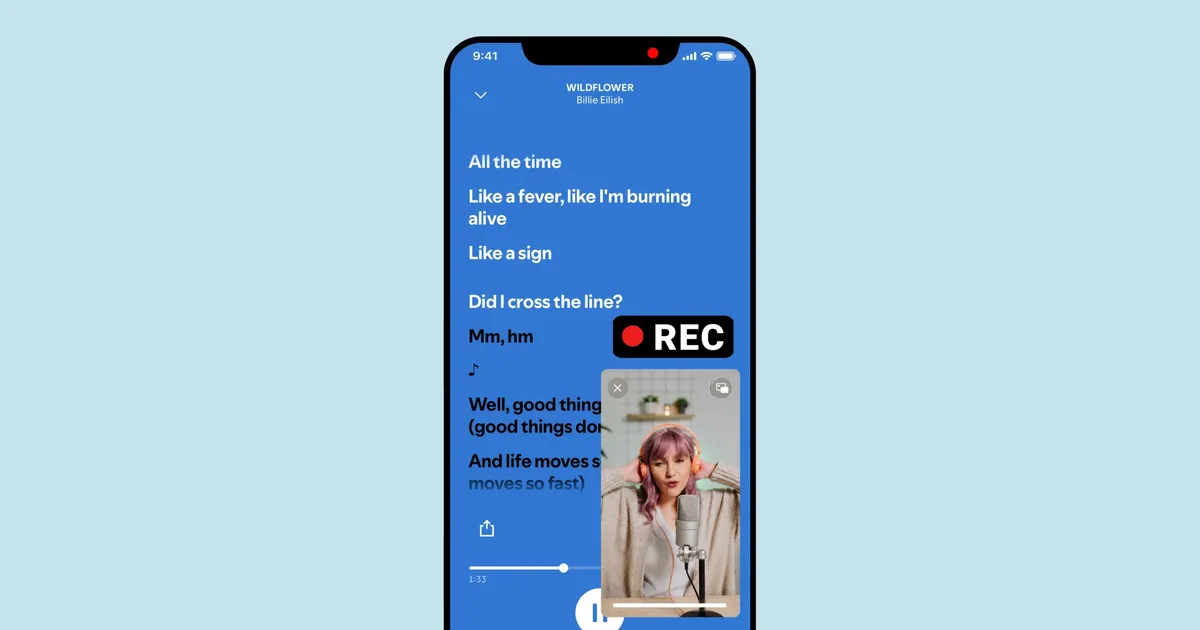
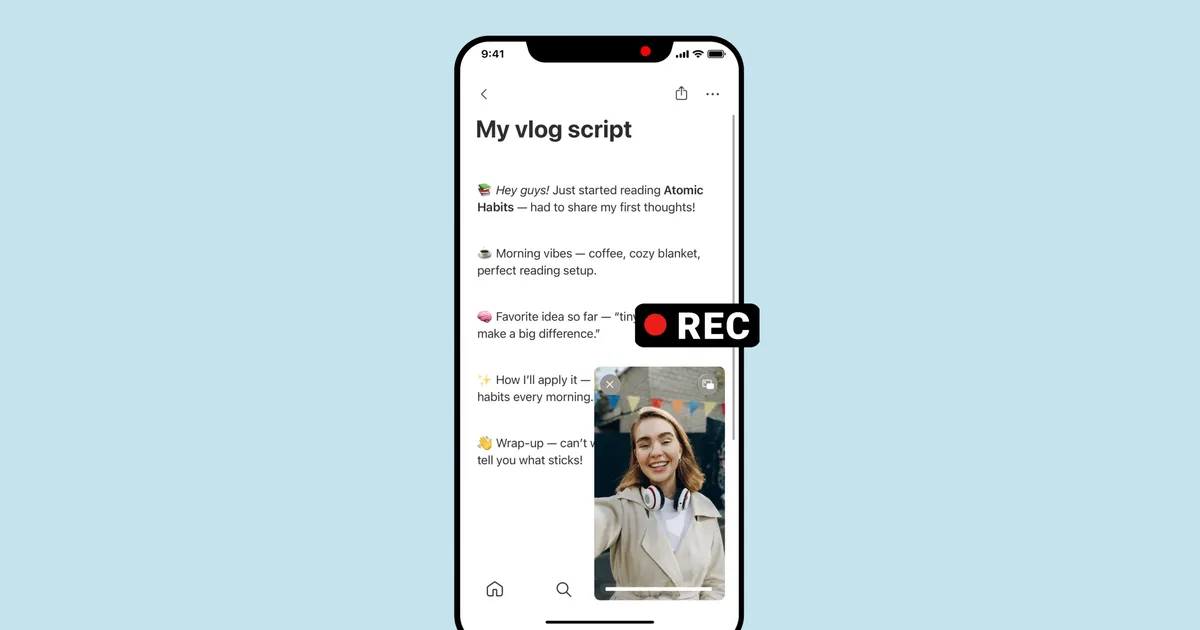
A floating camera recorder films you while another app fills the screen, and saves what the camera sees as a normal video. Use it to read notes, lyrics or a script in the app they're in, to react to a video, or to keep filming while you check a message. Float Cam does this from a Picture in Picture window on iPhone and iPad with iOS 17 or later, and from a window over other apps on Android.
Camera overlays and face cam screen recorders
These put your camera over the screen so it ends up inside a screen recording. FaceScreen's listing states that it doesn't record anything itself. PIPCam works the same way and is used with Control Center's Screen Recording. Reel and HD Face Cam Screen Recorder do the recording too. Choose one of these when the screen is the subject: a tutorial, an app demo, gameplay. The camera picture is only as sharp as the window.
Black-screen cameras
A black-screen camera keeps recording while its own screen looks dark or shows a cover image, so you can film without the preview. It records while it is the app on screen, so for reading while you film, BlackOut offers its own built-in browser. Choose one to film quietly with the phone face up. It won't show your notes from other apps.
Teleprompter apps
Teleprompter apps scroll a script you paste in over their own camera view, right under the lens, at a speed you set. They suit a finished script read word for word. They don't help when your material lives in another app, such as a Google Doc, a PDF or a website. That is where a floating camera is the simpler choice.
Questions people ask
What is the best floating camera app for iPhone?
It depends on what you want saved. For a camera video recorded while you use other apps, Float Cam records from a Picture in Picture window on iOS 17 and later. For your face inside a screen recording, use a camera overlay like FaceScreen or PIPCam with Screen Recording, or a face cam screen recorder like Reel.
Is there a camera app that floats over other apps?
Yes. On iPhone, apps can show the camera in a Picture in Picture window since iOS 16. Float Cam records from it, while FaceScreen and PIPCam only display it for screen recordings. On Android, Float Cam draws a movable camera window over other apps and records from it.
What are alternatives to Float Cam?
If you want your screen and face in one video, try a face cam screen recorder like Reel or HD Face Cam Screen Recorder, or a camera overlay like FaceScreen with Screen Recording. For reading a fixed script, try a teleprompter app like PromptSmart or BIGVU. For filming with a dark screen, try BlackOut.
Which floating camera apps are free?
Most are free to download and charge for their full version, either by subscription or with a one-time purchase. Float Cam is free to download and record with, and a premium upgrade unlocks its full set of features. What each free version includes changes over time, so check the store listing before you pick.
Sources
- FaceScreen: Floating Camera on the App Storelisting checked November 2026
- PIPCam on the App Storelisting checked November 2026
- Reel: Screen Recorder Face Cam on the App Storelisting checked November 2026
- HD Face Cam Screen Recorder on the App Storelisting checked November 2026
- BlackOut: Black Screen Camera on the App Storelisting checked November 2026
- Adopting Picture in Picture for video callsApple Developer Documentation
Keep filming while you use your phone
Float Cam keeps a floating camera window on screen and records while you do anything else. Free to download on iPhone, iPad and Android.