Screen record with your face cam on iPhone
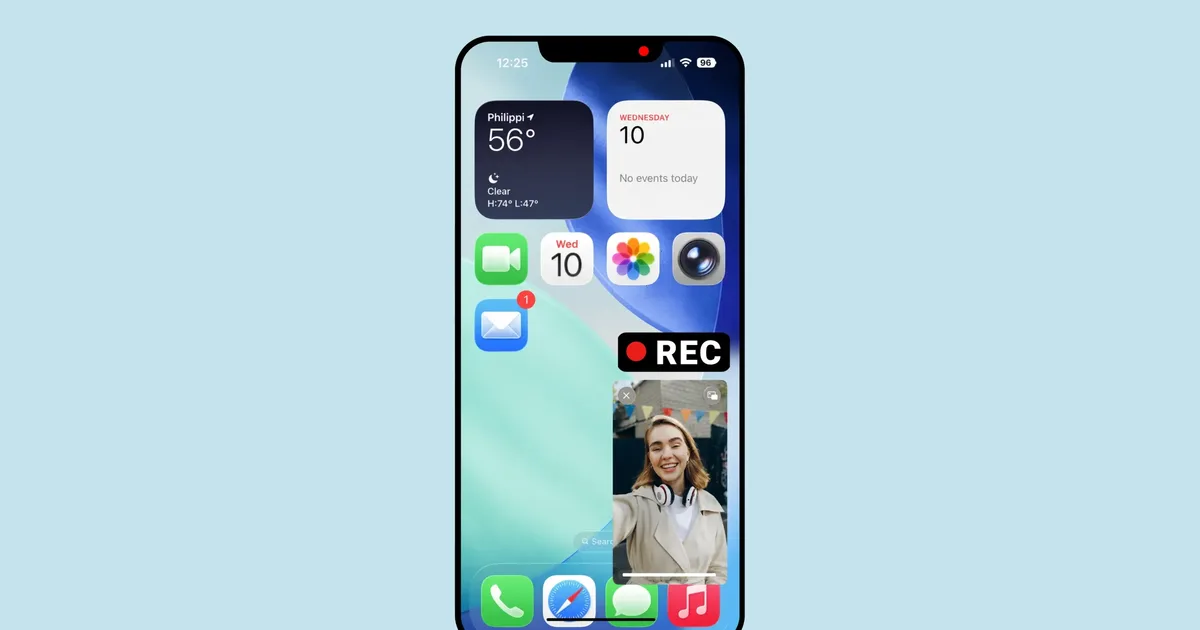
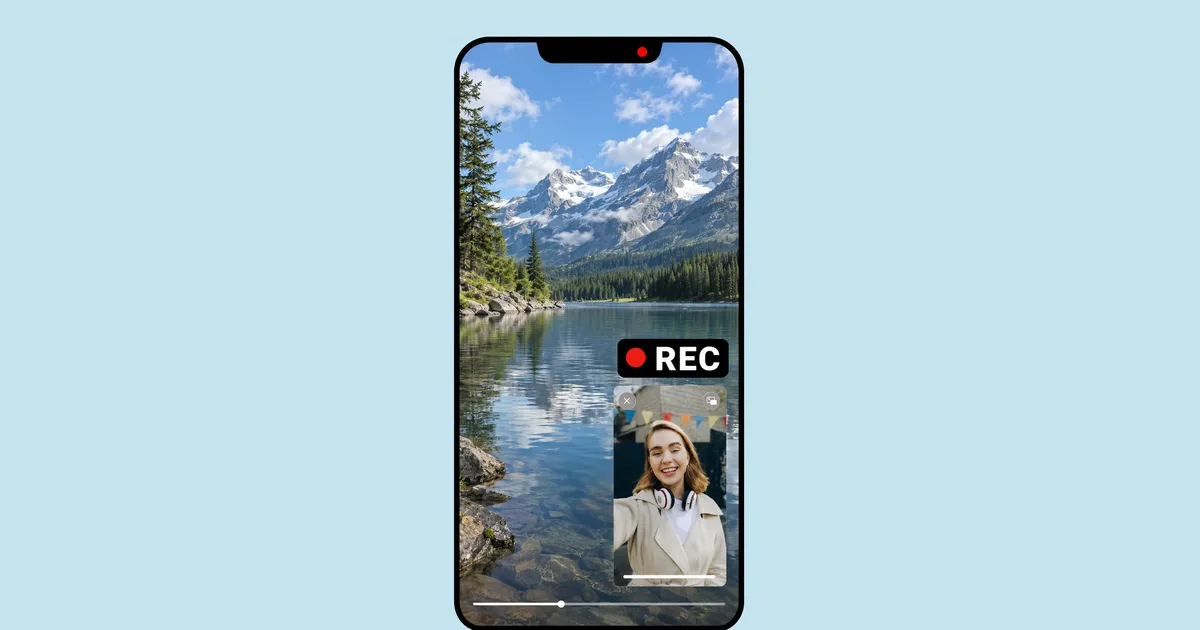
Screen Recording doesn't use the camera, but it records everything on screen, including a floating camera window. Start Float Cam's window, then Screen Recording, and your face is in the video.
 The Float Cam team · 1 min read
How to do it
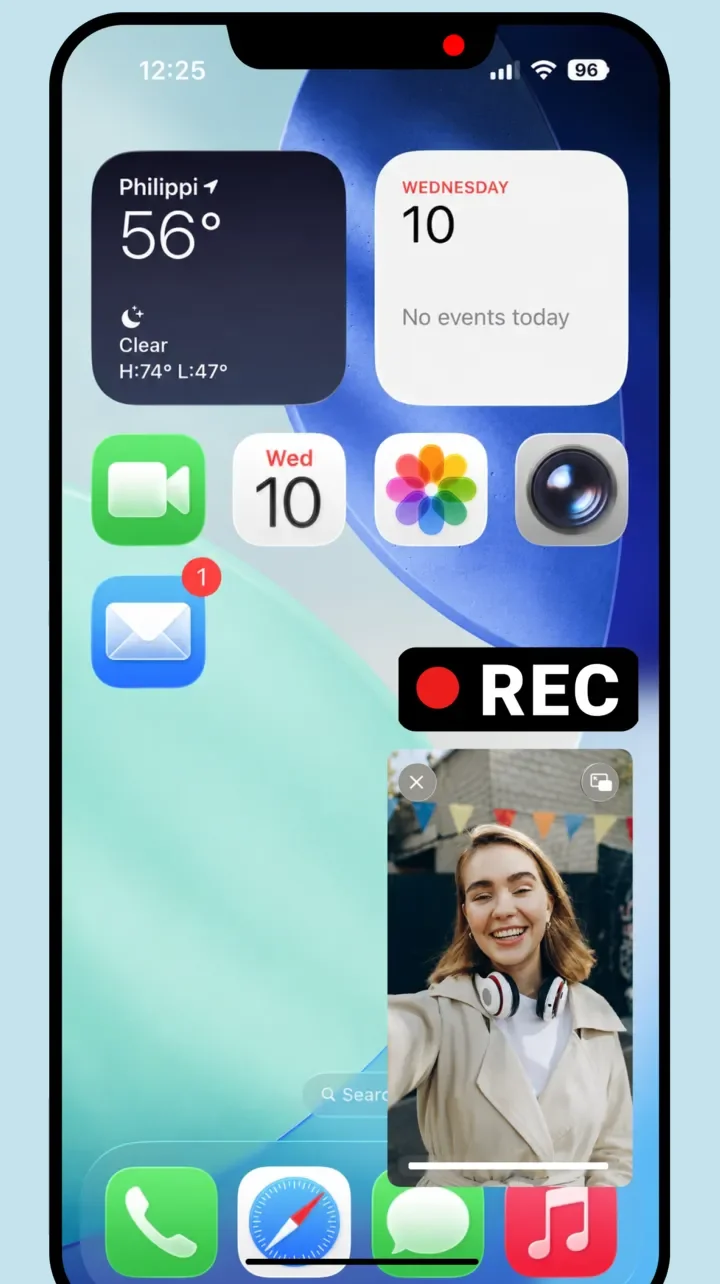
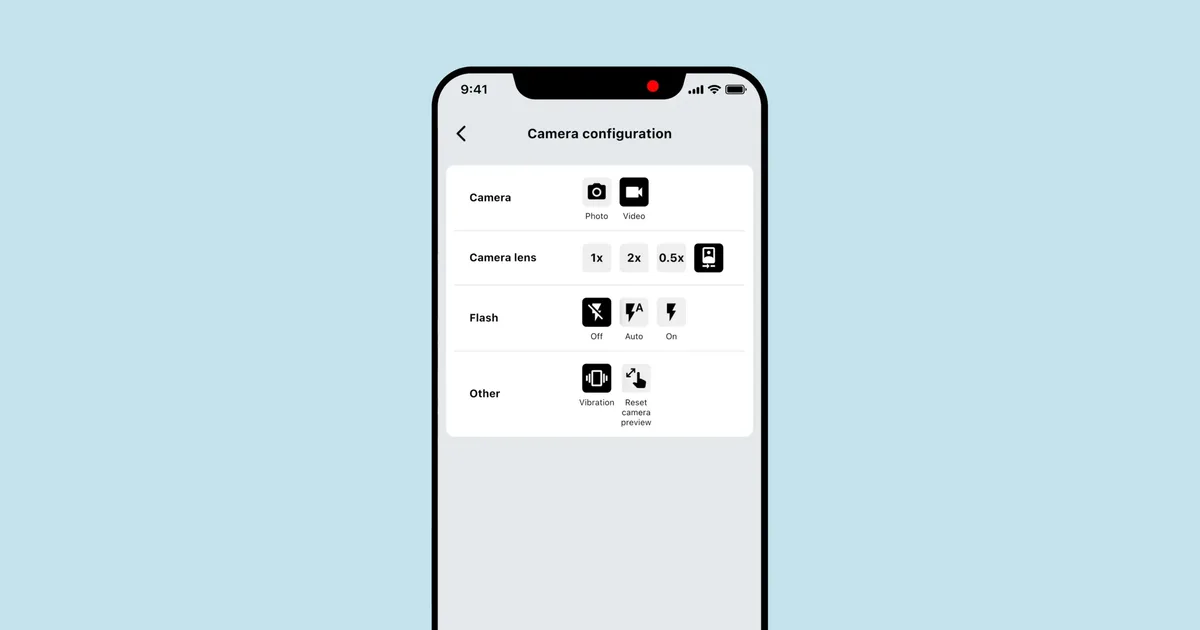
- Open Float Cam, pick the front camera and open the floating camera window.
- Swipe down to Control Center, long-press Screen Recording, turn the microphone on and start.
- Open the app you want to show. Drag the camera window where it doesn't cover anything important.
- Stop the recording from the red indicator at the top. The video with your face is in Photos.
Screen recording or a camera video
A screen recording shows your face only as big as the window, at screen resolution. For tutorials and app demos that's enough. For reactions or talking to the camera, record the camera in Float Cam instead, and put that video next to the original in an editor for a sharper face.
Questions people ask
How do I screen record with a face cam on iPhone?
Show your camera in a floating Picture in Picture window, then start Screen Recording from Control Center. The window is part of the screen, so it is recorded too. Float Cam's window does this on iOS 17 and later, over any app you open.
Can iPhone Screen Recording record the front camera?
Not by itself. Screen Recording captures only what is on the screen and the microphone. To include your face, keep a camera window on screen, such as Float Cam's floating Picture in Picture camera, while you record.
Why does my face disappear from the screen recording?
The camera window was probably tucked against the edge of the screen, where iOS pauses it, or another app opened the camera. Keep the window fully on screen and avoid camera features in other apps while you record.
Keep filming while you use your phone
Float Cam keeps a floating camera window on screen and records while you do anything else. Free to download on iPhone, iPad and Android.