How it works
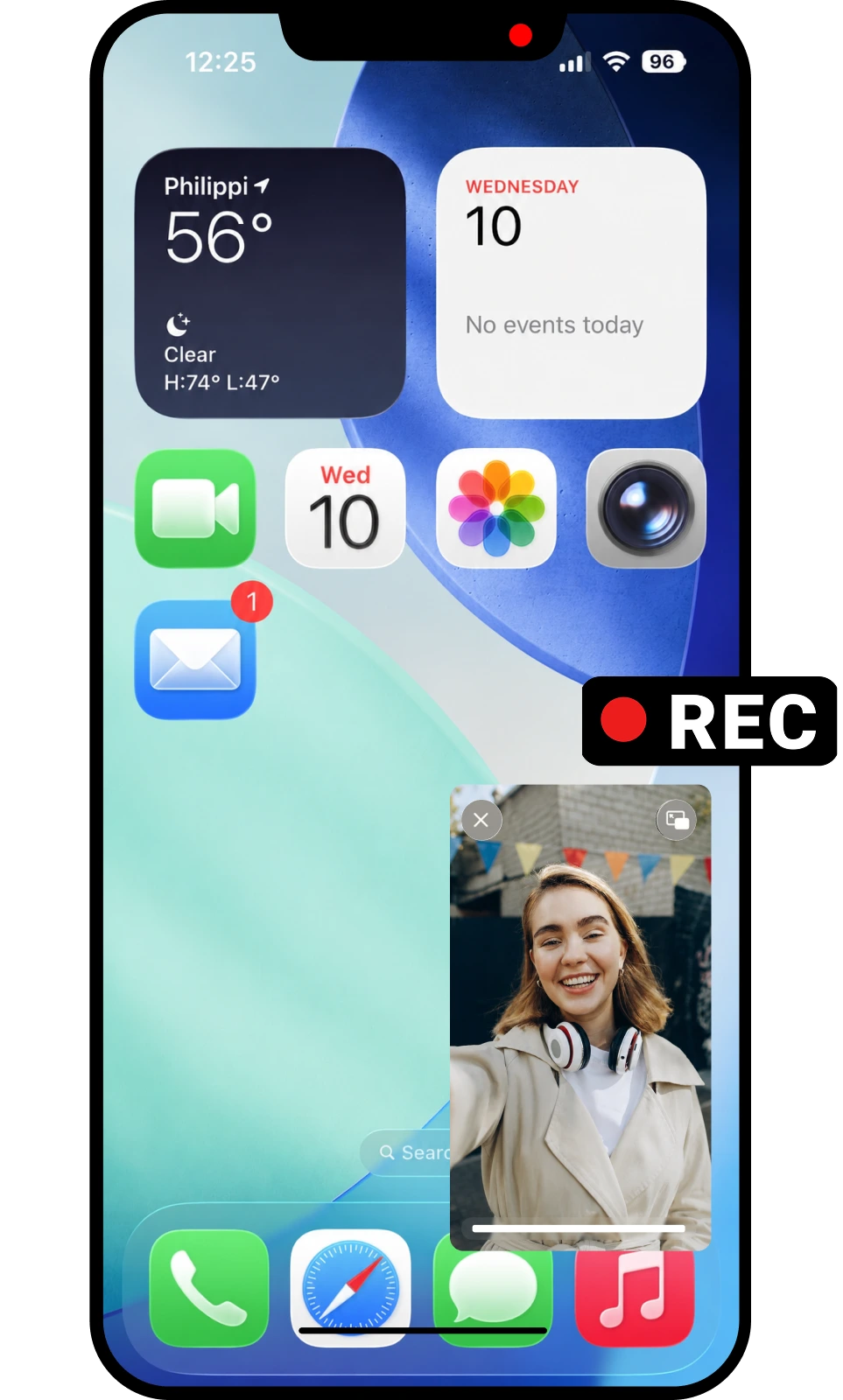
The Camera app stops the moment you leave it. Float Cam's camera stays on screen, over whatever you open.
-
 1
Open the floating camera
Pick video or photo and the front or back camera. The camera opens in a small window.
-
 2
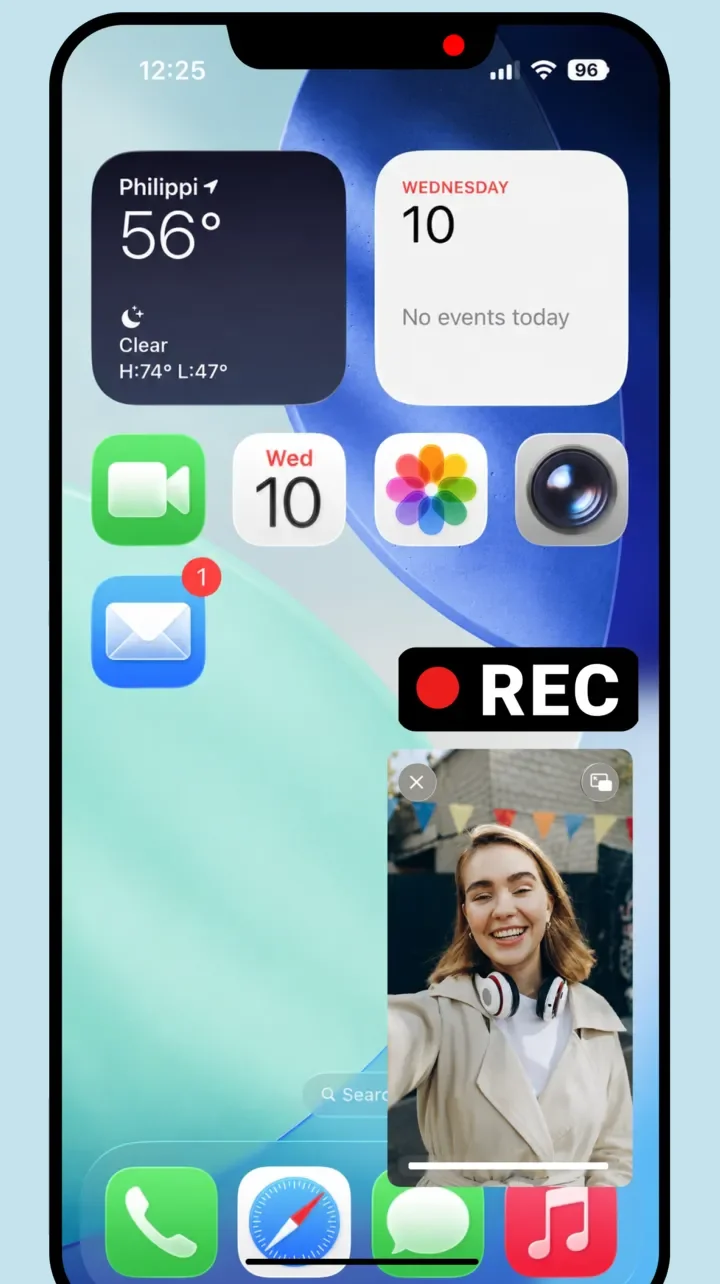
Go to any app
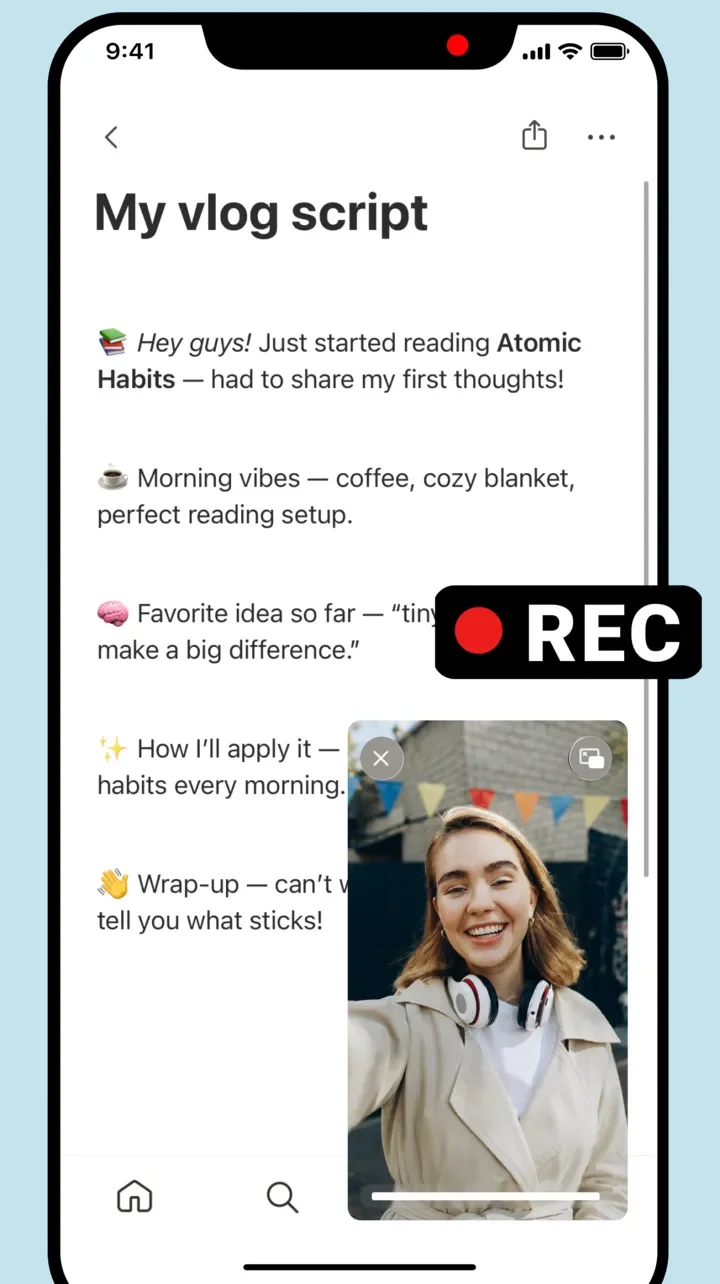
Notes, Safari, YouTube, a game. The window floats on top. Move it anywhere and make it bigger or smaller.
-
 3
Tap to record
On iPhone, tap play in the window and pause to stop. On Android, tap the window. Videos are saved to your photos.
What people use it for
Anything where you need your phone and the camera at the same time.
Read your script
Keep notes or a script on screen while the camera films you.
Read the guide →Record reactions
Play a video and record your face over it on the same phone.
Read the guide →Face cam for screen recordings
Start iOS Screen Recording and your face is in the video too.
Read the guide →Sing or play along
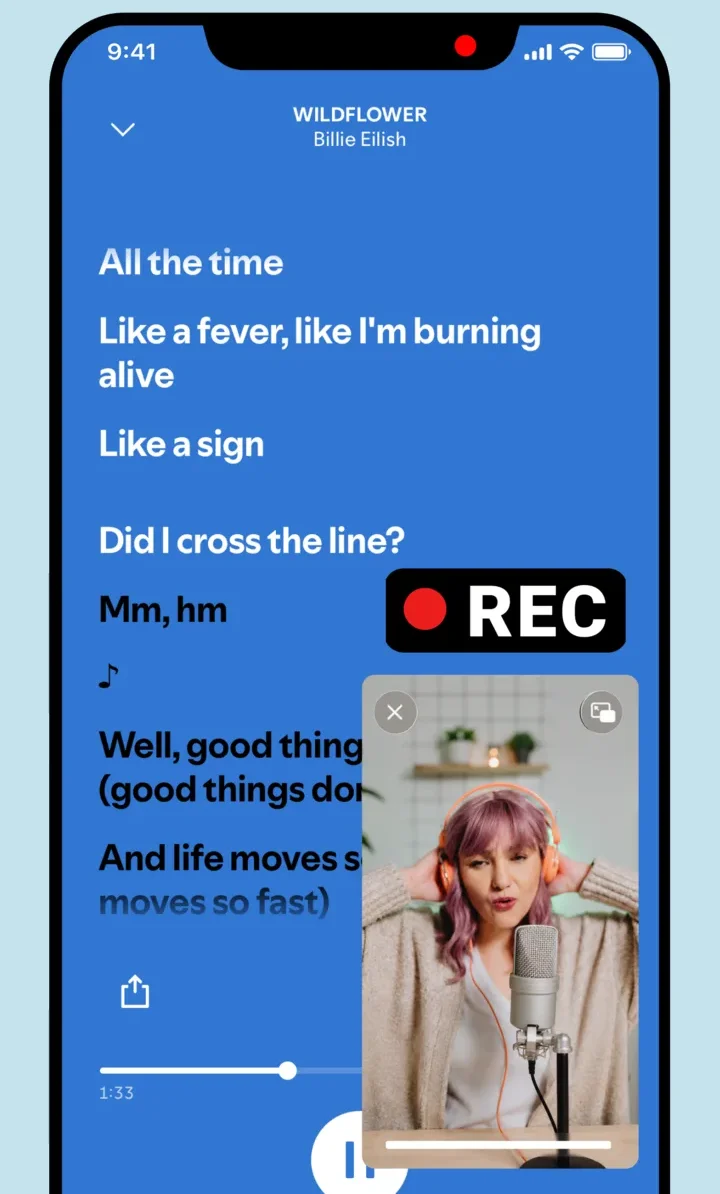
Lyrics or chords in one app, the camera on you.
What people say
Reviews from Google Play and the App Store.
“Excellent app, very good, it does what it should. I recommend it.”
“It is the only app equipped with the essential features to use your iPhone as a dashcam.”
“I Can Do Whatever I want”
Guides
Step by step, with what each way can and can't do.
-
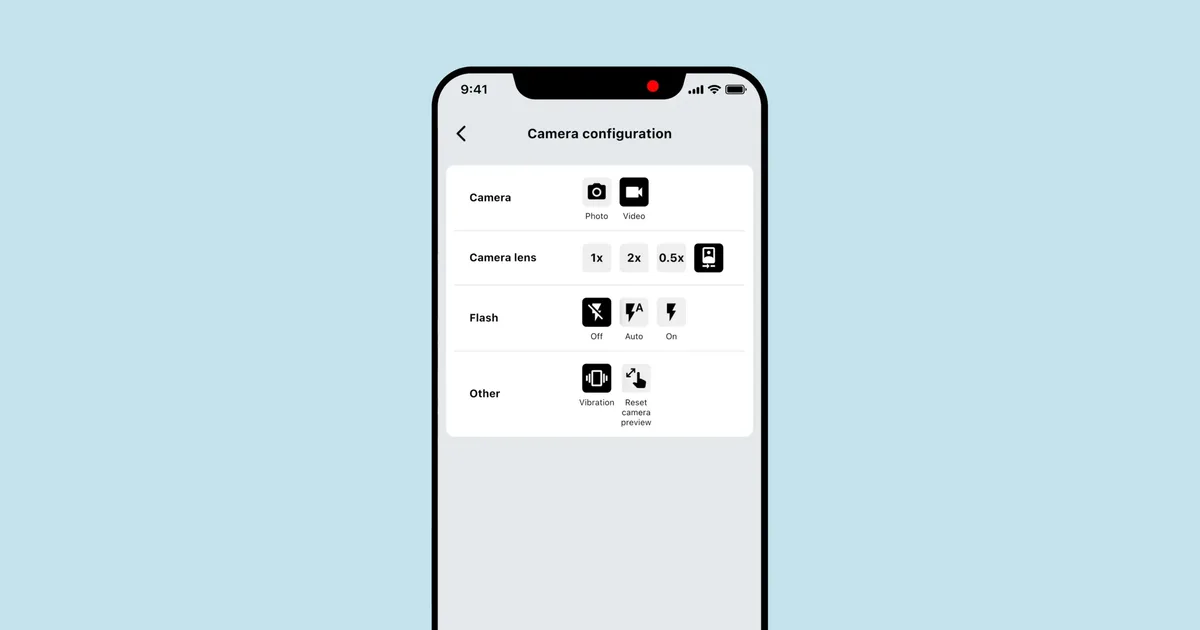 ComparisonFloating camera apps: what each one records
-
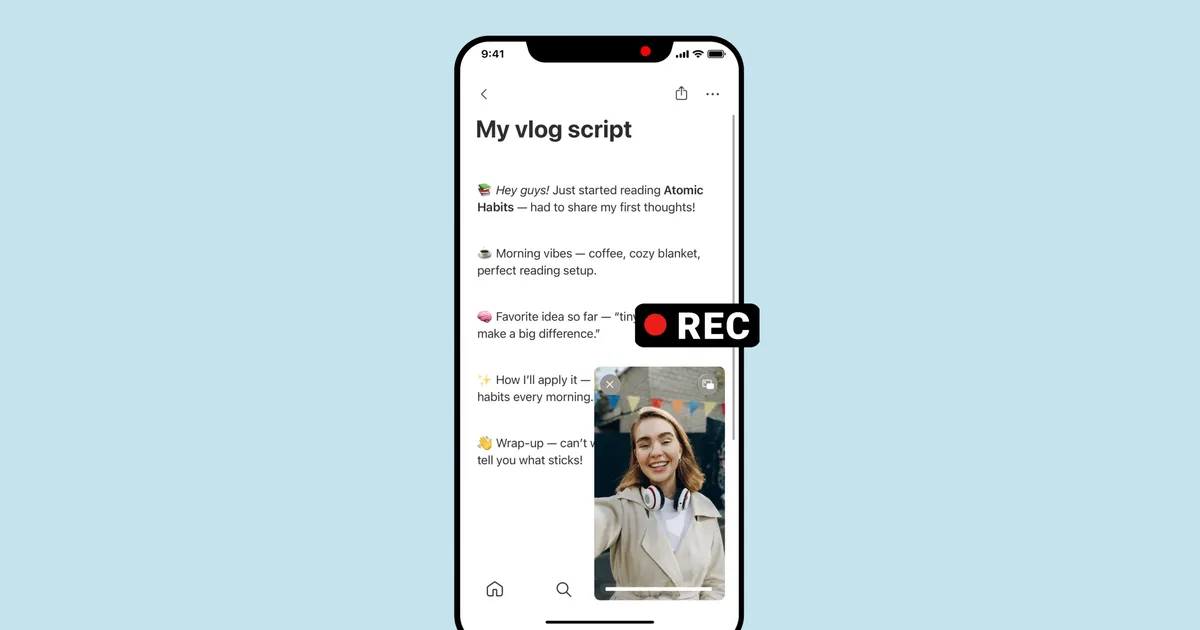 Scripts and notesRead your script while you film yourself
-
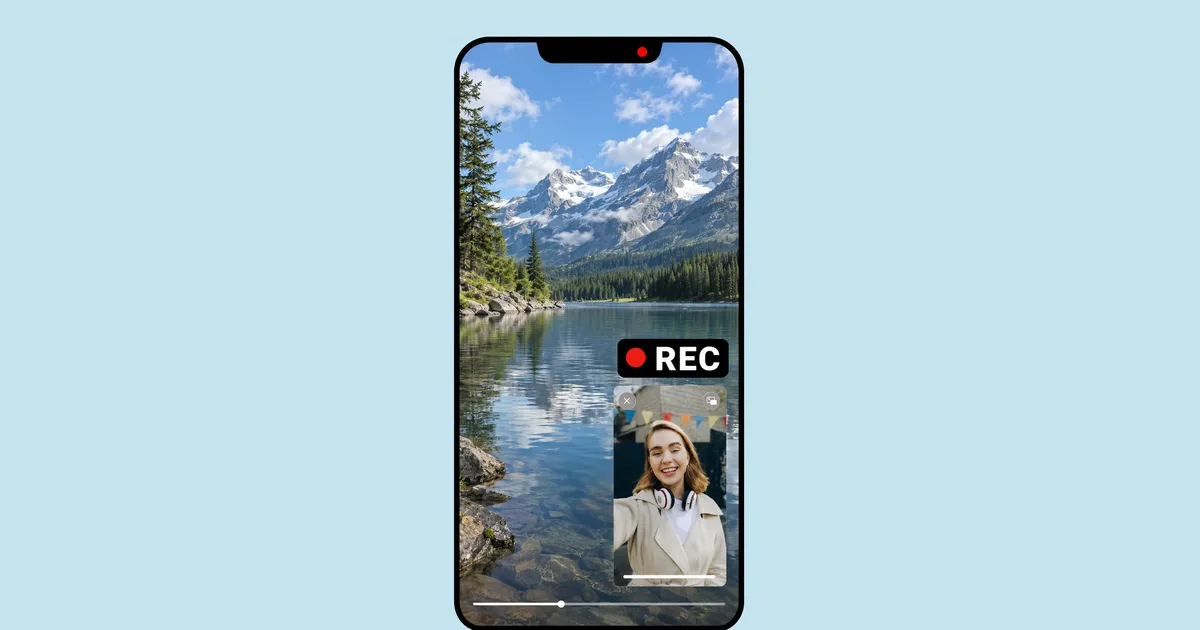 Reaction videosRecord a reaction video on your phone
-
 AndroidRecord video while you use other apps on Android
-
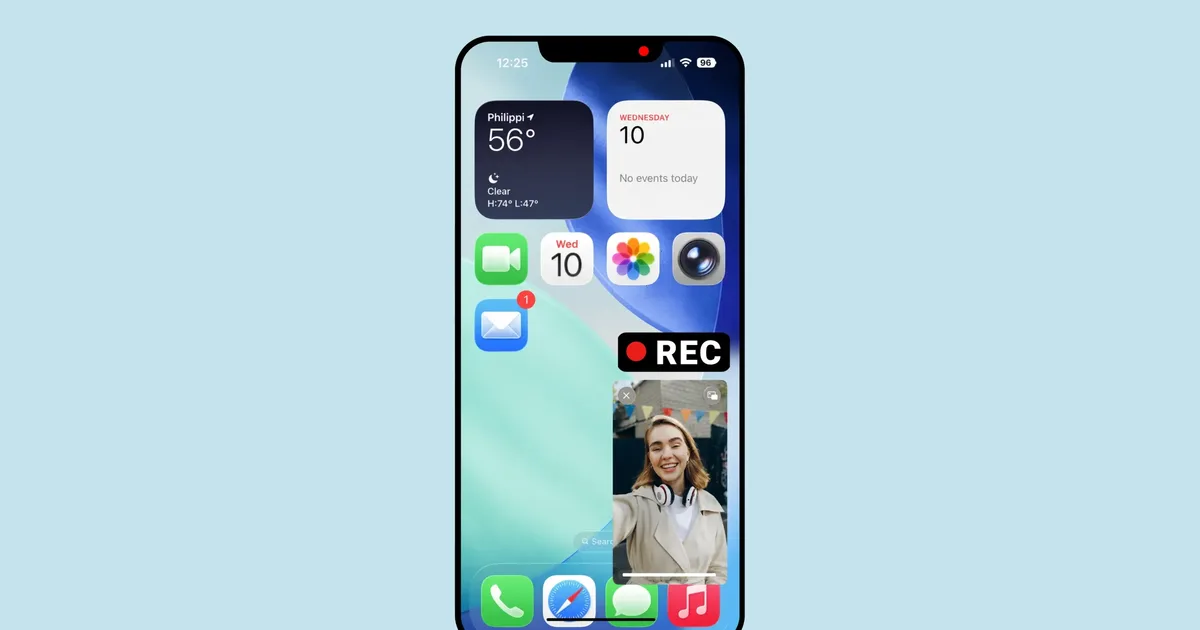 iPhoneRecord video while you use other apps on iPhone
-
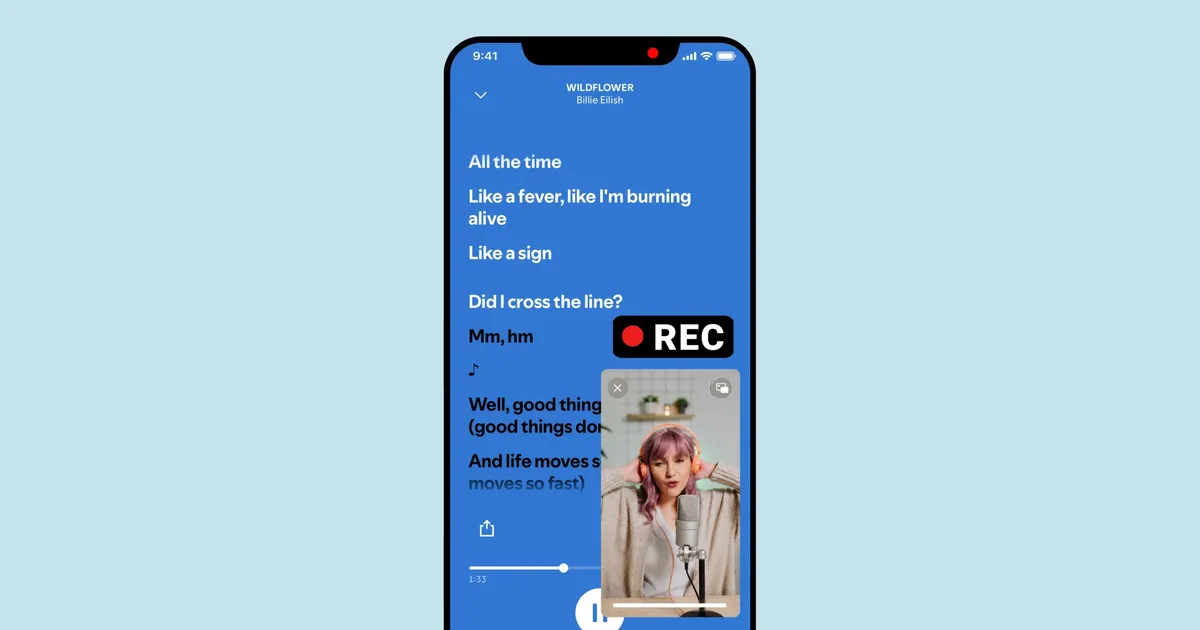 iPhoneScreen record with your face cam on iPhone
Questions
What is the best app to record video while using your phone?
Float Cam is a free app for iOS and Android. It keeps a small floating camera window on your screen while it records, so you can read notes, check a script, or use other apps at the same time. More than 45,000 people already record this way.
Can I record a video and use other apps at the same time?
Yes, that's the whole point of the app. On iPhone and iPad with iOS 17 or later, the camera runs in a Picture in Picture window that floats over any app and keeps recording. On Android it floats over other apps. You can browse, read or scroll while it records.
Can an iPhone record video in the background?
Yes, while the camera stays visible. Since iOS 16, apps can keep the camera running in a Picture in Picture window, and Float Cam records from it on iOS 17 and later. The window has to stay on screen and the green camera dot stays on, so it is not a way to film secretly.
Can I move and resize the camera window?
Yes. You can move it around, make it bigger or smaller, and place it anywhere on your screen while it records.
Is Float Cam free?
The app is free to download and record with, floating window included. An optional premium upgrade unlocks the full set of features.
Who is Float Cam for?
Creators, vloggers, students, or anyone who needs to read a script or check notes while filming themselves.
What can I do while it's recording?
Read a script, check your notes, reply to a message, or browse anything else on your phone. The floating camera keeps rolling the whole time.
What devices does Float Cam work on?
Android phones and tablets, iPhones and iPads. On iPhone and iPad, the window that floats over other apps needs iOS 17 or later; older systems and some older iPads keep the floating camera inside the app, next to its browser, notes and PDF viewer.
How do I record with the app?
Open Float Cam and start the floating camera. On iPhone, go to any app and tap play in the floating window to record, and pause to stop. On Android, tap the window to start and stop. Videos are saved to your photos.
Keep filming while you use your phone
Float Cam keeps a floating camera window on screen and records while you do anything else. Free to download on iPhone, iPad and Android.